

Hey there! As a supplier of 3D fiber laser engraving machines, I often get asked about how to adjust the focus of these nifty devices. It's a crucial step that can significantly impact the quality of your engraving work. So, let's dive right in and break it down.
Why is Focus Adjustment Important?
First off, let's talk about why getting the focus right is such a big deal. When a 3D fiber laser engraving machine is properly focused, the laser beam is concentrated at a specific point, which results in a clean, sharp, and precise engraving. If the focus is off, you might end up with a blurry or uneven engraving. The power of the laser isn't effectively applied, and you lose that professional - grade finish you're aiming for. Whether you're engraving on metal, plastic, or wood, the right focus ensures that the laser can vaporize or etch the material in the most efficient way possible.
Tools You'll Need
Before we start adjusting the focus, let's gather the necessary tools. You'll typically need a focus ruler, which is a simple but effective tool that helps you measure the distance between the laser head and the material. Some machines also come with built - in autofocus features, but having a focus ruler as a backup is always a good idea. Additionally, make sure you have a clean, flat surface to place your material on and a pair of safety glasses to protect your eyes from the laser.
Step - by - Step Focus Adjustment
Step 1: Prepare the Machine
First, turn on your 3D fiber laser engraving machine and let it warm up for a few minutes. This allows the laser to reach its optimal operating temperature. While the machine is warming up, you can prepare your material. Place it on the worktable and make sure it's flat and secure. You don't want it moving around while you're adjusting the focus.
Step 2: Initial Estimation
If your machine doesn't have an autofocus feature, start by making an initial estimation of the focus distance. Most machines come with a recommended focus distance for different materials. For example, for metals, it might be around 50 - 60mm, while for plastics, it could be a bit less. Use the focus ruler to measure the distance from the laser head to the surface of the material and adjust the height of the laser head accordingly.
Step 3: Test Engraving
Once you've made your initial adjustment, it's time to do a test engraving. Select a simple design, like a small square or a line, and set the laser parameters according to the material you're using. You can find these parameters in the machine's manual or online. Run the test engraving and take a look at the results. If the engraving is blurry or too shallow, you need to adjust the focus.
Step 4: Fine - Tuning
If the test engraving isn't up to par, it's time for some fine - tuning. If the engraving is blurry, it means the focus is either too far or too close. If it's too far, lower the laser head slightly. If it's too close, raise it. Make small adjustments, about 0.1 - 0.5mm at a time, and run another test engraving after each adjustment. Keep doing this until you get a clean, sharp engraving.
Step 5: Autofocus Option
If your 3D fiber laser engraving machine has an autofocus feature, it can make the process a lot easier. Simply activate the autofocus function, and the machine will automatically adjust the focus based on the material's surface. However, it's still a good idea to do a test engraving to make sure the focus is perfect.
Factors Affecting Focus
There are several factors that can affect the focus of your 3D fiber laser engraving machine. One of the main factors is the type of material you're engraving. Different materials have different surface textures and densities, which can require different focus distances. For example, a rough - textured material might need a different focus than a smooth one.
The power of the laser also plays a role. Higher - power lasers can sometimes require a slightly different focus setting compared to lower - power ones. If you're using a Jpt Fiber Laser, which is known for its high - quality and power, you might need to fine - tune the focus more carefully.

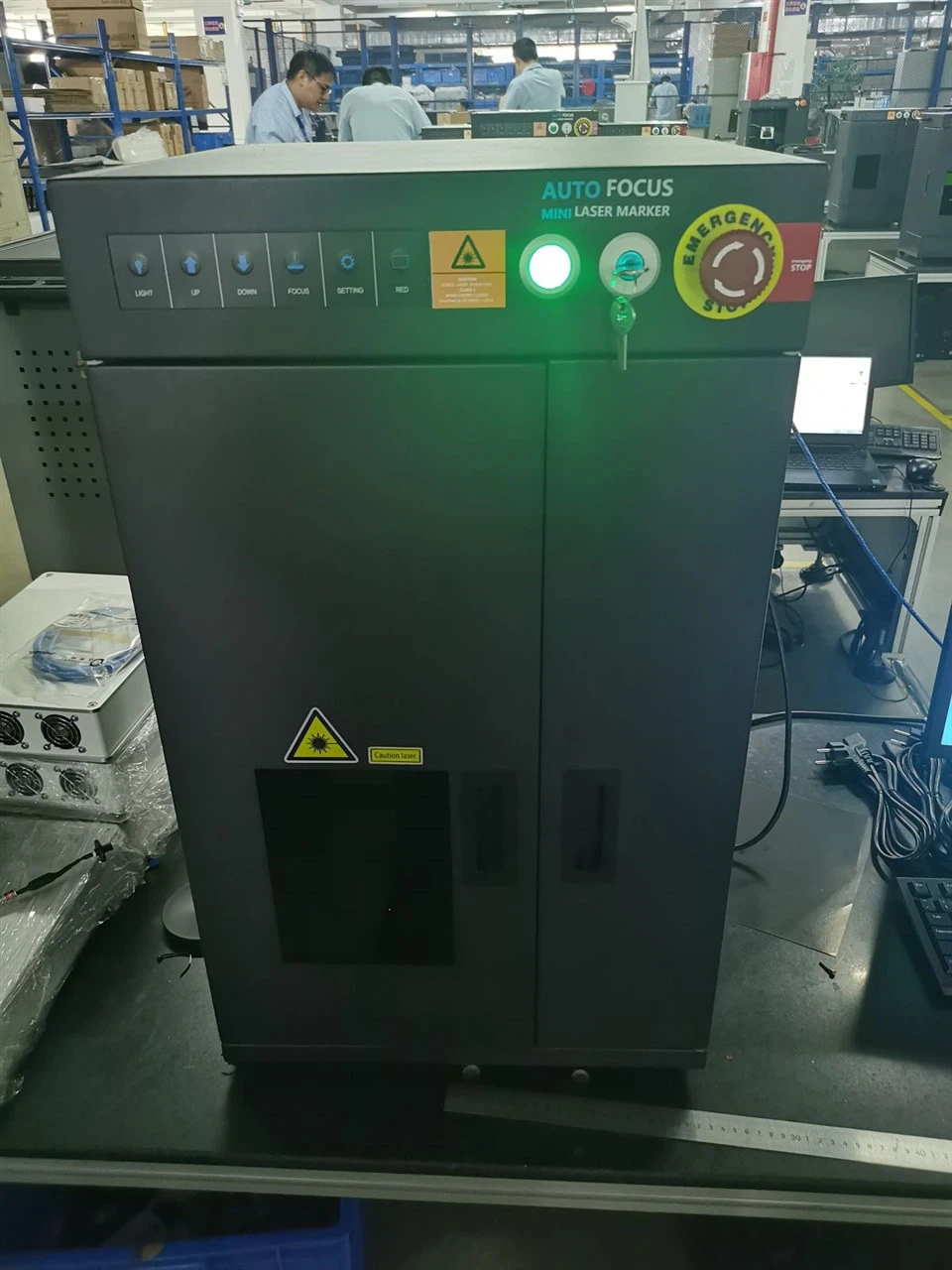
Another factor is the thickness of the material. Thicker materials might need the laser head to be raised a bit more compared to thinner ones. Make sure to take these factors into account when adjusting the focus.
Troubleshooting Focus Issues
Sometimes, even after following all the steps, you might still encounter focus issues. If the engraving is still blurry after multiple adjustments, check if there's any dust or debris on the laser lens. A dirty lens can scatter the laser beam and cause the focus to be off. Clean the lens carefully using a lens cleaning solution and a soft, lint - free cloth.
If the problem persists, it could be an issue with the machine itself. Check if there are any loose parts or if the laser head is properly aligned. If you're still having trouble, don't hesitate to contact our technical support team.
Our Product Range
We offer a wide range of 3D fiber laser engraving machines to suit different needs. For those who need a high - power option, our 100w Fiber Laser Marking Machine is a great choice. It can handle tough materials like stainless steel and aluminum with ease.
If you're looking for more versatility, our Mopa Laser Engraving Machine allows you to achieve different colors and effects on various materials. It's perfect for creating unique and personalized engravings.
Conclusion and Call to Action
Adjusting the focus of a 3D fiber laser engraving machine is a skill that can be mastered with a bit of practice and patience. By following the steps outlined in this blog, you'll be able to get the most out of your machine and create high - quality engravings every time.
If you're in the market for a new 3D fiber laser engraving machine or need more advice on focus adjustment, feel free to reach out to us. We're here to help you with all your engraving needs. Contact us today to start a discussion about your requirements and see how our machines can take your engraving business to the next level.
References
- User manual of 3D fiber laser engraving machines
- Industry knowledge and experience in laser engraving technology