

When it comes to paper crafting and industrial paper processing, a high - quality laser cutter can be a game - changer. As a supplier of the Best Laser Cutter For Paper, I understand the significance of choosing the right machine. In this blog, I'll share the key features you should look for in the best laser cutter for paper.
Precision and Accuracy
Precision is paramount when working with paper. Whether you're creating intricate paper designs, detailed labels, or precise cutouts, the laser cutter must be able to deliver accurate results. A high - precision laser cutter uses advanced control systems and high - quality laser sources. The positioning accuracy of the machine should be within a very small margin, typically in the range of ±0.05mm to ±0.1mm. This ensures that every cut and engraving is exactly where it needs to be, resulting in professional - looking finished products.
For instance, if you're making paper wedding invitations with delicate patterns, a precise laser cutter will ensure that the fine lines and curves are cut cleanly and accurately, enhancing the overall aesthetic appeal of the invitations.
Cutting Speed
In a production environment, time is money. A fast - cutting laser cutter can significantly increase your productivity. The cutting speed of a laser cutter for paper is influenced by several factors, such as the power of the laser, the type of paper, and the complexity of the design.
Modern laser cutters for paper can achieve cutting speeds ranging from a few centimeters per second to several meters per minute. However, it's important to note that higher cutting speeds may sometimes sacrifice a bit of precision. So, you need to find a balance between speed and accuracy based on your specific requirements. For large - scale production of simple paper products, a high - speed laser cutter will be more beneficial.
Laser Power
The power of the laser is a crucial factor in determining the cutting ability of the machine. Different types of paper have different thicknesses and densities, and a laser cutter with the appropriate power is needed to cut through them effectively.
For thin papers, such as tissue paper or tracing paper, a lower - power laser (around 10 - 30 watts) may be sufficient. However, for thicker papers like cardboard or cardstock, a higher - power laser (50 - 150 watts or more) is required. A laser cutter with adjustable power settings is also advantageous as it allows you to customize the cutting process according to the paper type and the desired effect.
Software Compatibility
A good laser cutter should be compatible with a variety of design software. This allows you to easily transfer your designs from your computer to the laser cutter. Popular design software such as Adobe Illustrator, CorelDRAW, and Inkscape are commonly used in the paper - crafting industry.
The software that comes with the laser cutter should be user - friendly and offer a range of features, such as the ability to adjust the cutting and engraving parameters, preview the design on the machine's work area, and support different file formats. Some advanced laser cutters also support direct import of 3D models, which can be used for creating more complex paper structures.
Work Area Size
The size of the work area is an important consideration, especially if you plan to work with large sheets of paper or multiple smaller pieces at once. Laser cutters come in a variety of work area sizes, from small desktop models with a work area of around 300mm x 200mm to large industrial models with work areas exceeding 2000mm x 1200mm.
If you're mainly working on small - scale paper projects, a desktop laser cutter may be sufficient. However, for commercial applications or large - format paper cutting, a machine with a larger work area will be more suitable.
Safety Features
Safety is always a top priority when using a laser cutter. The best laser cutters for paper are equipped with a range of safety features. These may include a protective enclosure to prevent the laser beam from escaping, emergency stop buttons, and safety interlocks that automatically shut off the laser when the enclosure is opened.
Some laser cutters also have built - in ventilation systems to remove the fumes and dust generated during the cutting process. This not only protects the operator from harmful substances but also helps to keep the machine clean and in good working condition.
Maintenance and Durability
A reliable laser cutter should be easy to maintain and have a long service life. Look for a machine that uses high - quality components and has a modular design, which makes it easier to replace parts if necessary.
Regular maintenance tasks such as cleaning the laser lens, checking the alignment of the laser beam, and lubricating moving parts should be straightforward. A durable laser cutter will save you time and money in the long run by reducing downtime due to breakdowns.
Cost - effectiveness
While it's important to invest in a high - quality laser cutter, you also need to consider the cost - effectiveness of the machine. This includes the initial purchase price, as well as the ongoing costs of operation, such as electricity consumption, maintenance, and replacement of consumables.
Compare different models and brands to find a laser cutter that offers the best combination of features and price. Sometimes, a slightly more expensive machine may offer better performance and durability, resulting in lower overall costs in the long term.
Additional Features
Some laser cutters come with additional features that can enhance their functionality. For example, some machines have a rotary attachment, which allows you to engrave and cut cylindrical paper objects, such as paper tubes or cones.
Others may have a camera system that can be used for automatic alignment of the design on the paper, making the setup process faster and more accurate.
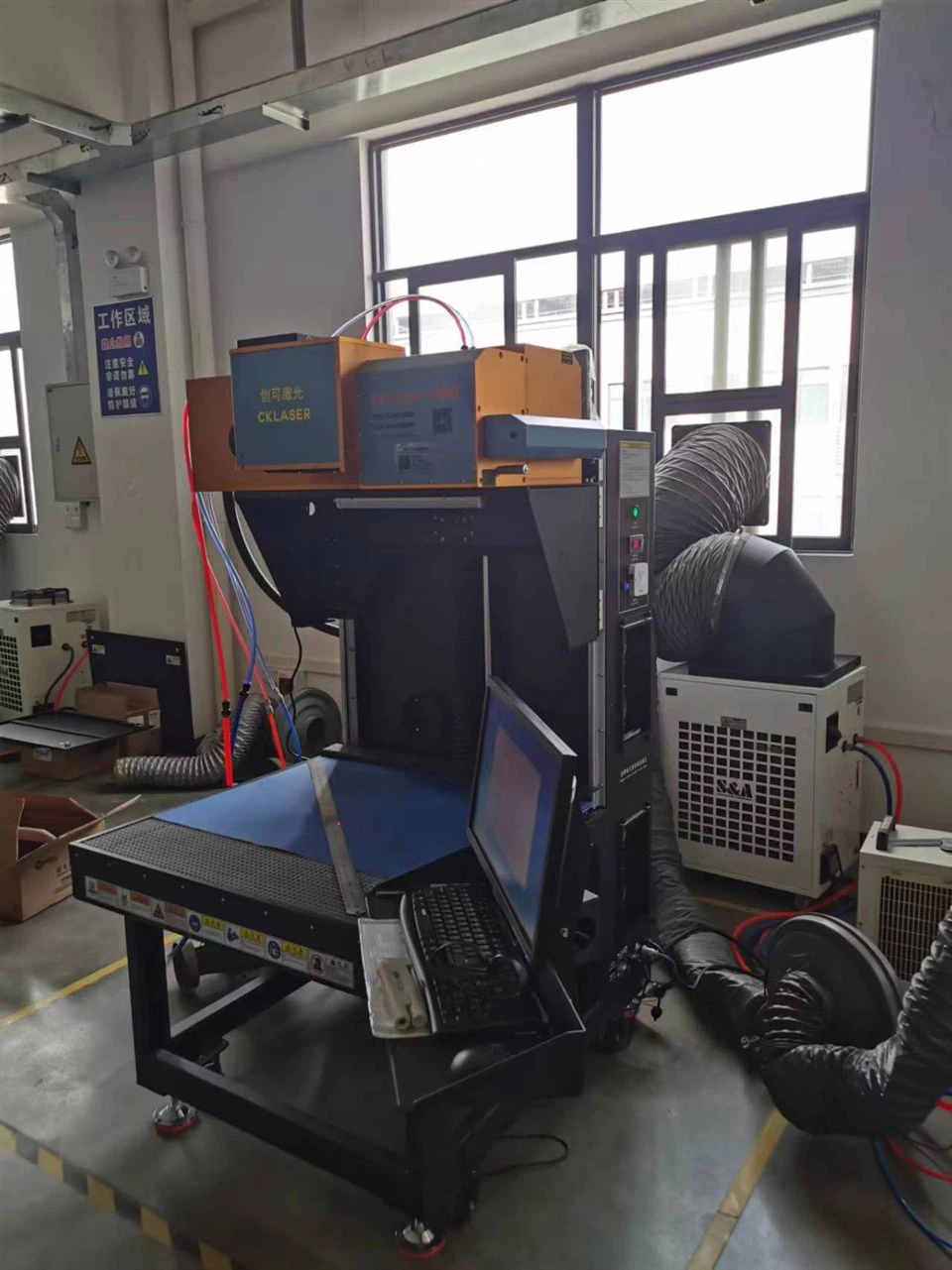

In conclusion, choosing the best laser cutter for paper requires careful consideration of several factors. By looking for a machine with high precision, appropriate cutting speed, suitable laser power, good software compatibility, a large enough work area, reliable safety features, easy maintenance, cost - effectiveness, and useful additional features, you can ensure that you get a laser cutter that meets your specific needs.
If you're interested in learning more about our Best Laser Cutter For Paper or have any questions about the features and specifications, feel free to reach out to us for a detailed consultation. We're also happy to provide you with information on our Wood Engraving Laser Cutter Machine and CKLASER Laser Marking Machine For Heat Transfer Vinly Engraving and Cutting. Our team of experts is ready to assist you in making the right purchasing decision for your business.
References
- "Laser Cutting Technology: Principles and Applications" by John Doe
- "Advanced Paper Crafting with Laser Cutters" by Jane Smith
- Industry reports on laser cutter performance and market trends.