

As a CO2 laser engraver supplier, I understand the importance of proper maintenance and cleaning for these machines. A well-maintained CO2 laser engraver not only ensures optimal performance but also extends its lifespan. In this blog post, I'll share a comprehensive guide on how to clean a CO2 laser engraver effectively.
Why Cleaning is Essential
Before diving into the cleaning process, it's crucial to understand why regular cleaning is necessary. CO2 laser engravers generate heat and produce debris during the engraving and cutting process. Over time, this debris can accumulate on various components of the machine, such as the lens, mirrors, and exhaust system. If left uncleaned, this buildup can lead to reduced laser power, poor engraving quality, and even damage to the machine.
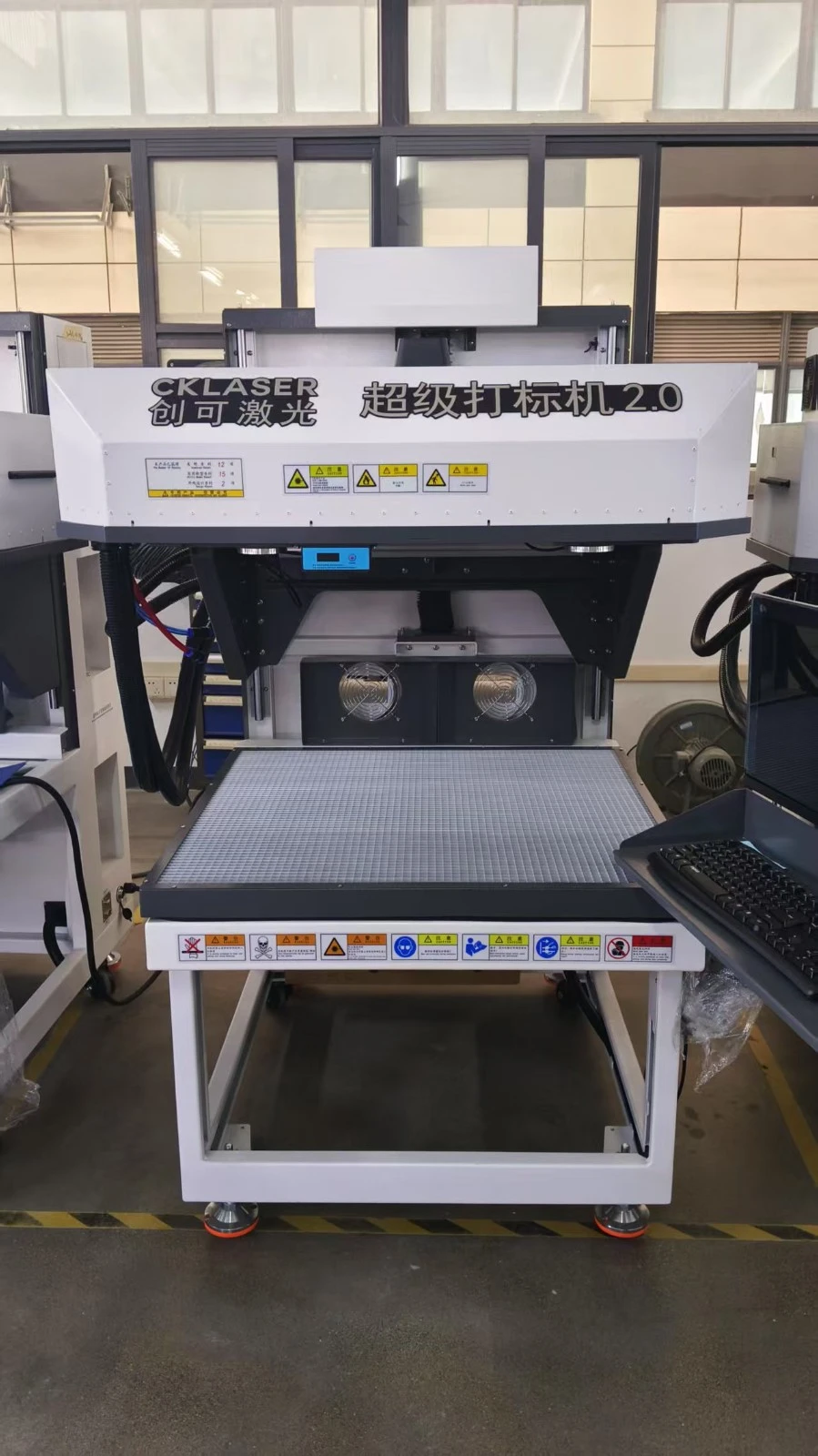
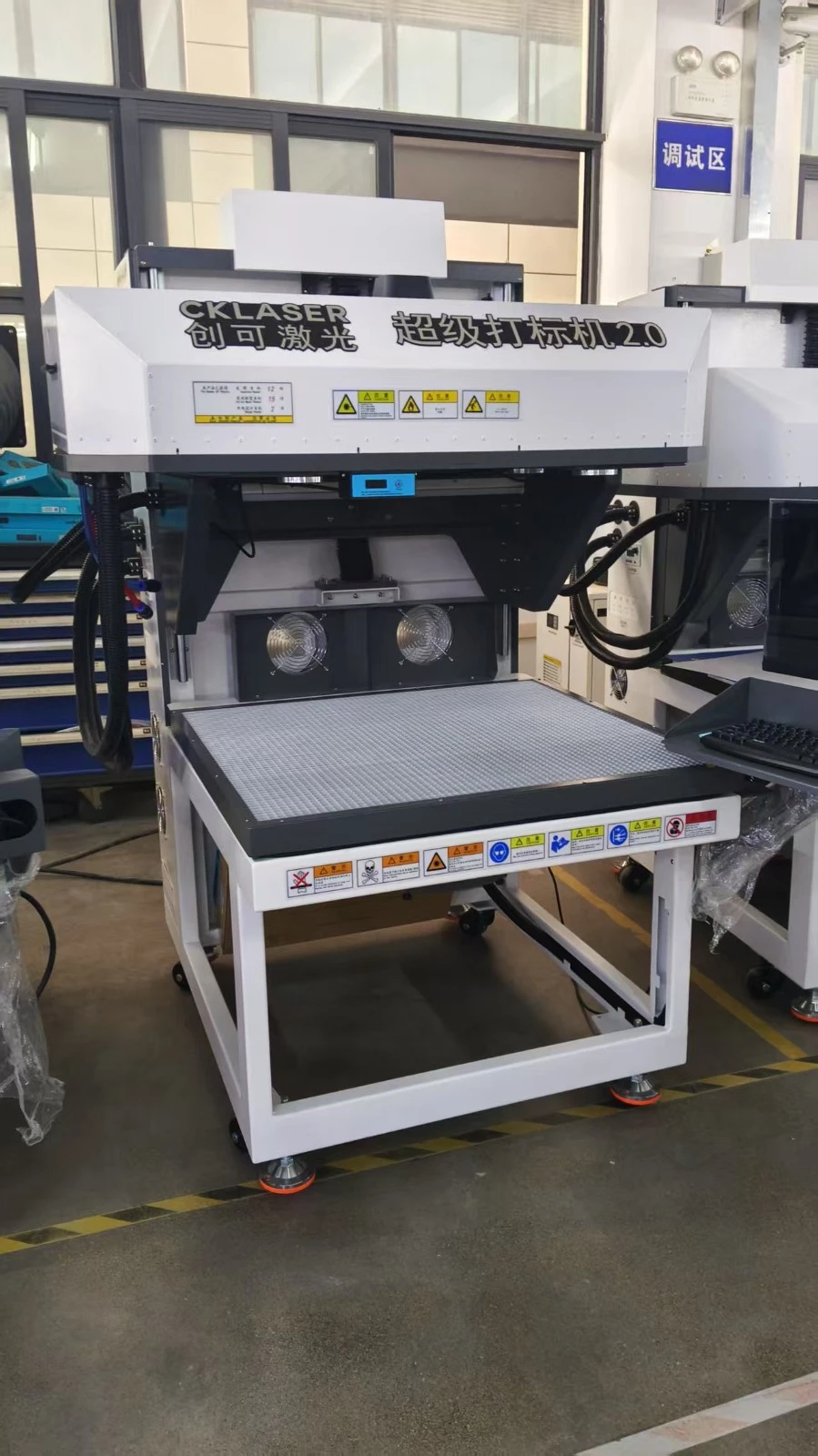
Preparing for Cleaning
Before you start cleaning your CO2 laser engraver, it's important to take some safety precautions. First, make sure the machine is turned off and unplugged to avoid any electrical hazards. Wear protective gloves and safety glasses to protect your hands and eyes from any debris or cleaning chemicals.
Gather the necessary cleaning supplies, including a soft brush, compressed air canister, lint-free cloth, and a cleaning solution specifically designed for laser engravers. Avoid using abrasive materials or harsh chemicals, as these can damage the delicate components of the machine.
Cleaning the Exterior
Start by cleaning the exterior of the CO2 laser engraver. Use a soft brush to remove any dust or debris from the surface of the machine. Pay special attention to the control panel, buttons, and display screen. Wipe the exterior with a lint-free cloth dampened with a mild cleaning solution. Make sure to dry the surface thoroughly to prevent any moisture from entering the machine.
Cleaning the Lens
The lens is one of the most critical components of a CO2 laser engraver. A dirty lens can cause a significant reduction in laser power and engraving quality. To clean the lens, first, remove it from the machine following the manufacturer's instructions. Use a soft brush to gently remove any loose debris from the lens surface.
Next, apply a small amount of lens cleaning solution to a lint-free cloth. Gently wipe the lens in a circular motion, starting from the center and working your way out. Avoid applying too much pressure, as this can scratch the lens. Once you've cleaned the lens, use a dry lint-free cloth to remove any remaining moisture.
Cleaning the Mirrors
The mirrors in a CO2 laser engraver are responsible for directing the laser beam to the workpiece. Over time, these mirrors can become dirty or misaligned, which can affect the accuracy and quality of the engraving. To clean the mirrors, use a soft brush to remove any dust or debris from the surface.
Next, apply a small amount of mirror cleaning solution to a lint-free cloth. Gently wipe the mirror in a straight line, starting from one end and working your way to the other. Avoid using circular motions, as this can cause scratches on the mirror surface. Once you've cleaned the mirror, use a dry lint-free cloth to remove any remaining moisture.
Cleaning the Exhaust System
The exhaust system in a CO2 laser engraver is responsible for removing fumes and debris from the engraving area. Over time, the exhaust system can become clogged with dust and debris, which can reduce its efficiency. To clean the exhaust system, first, turn off the machine and unplug it.
Remove the exhaust hose from the machine and use a soft brush to remove any dust or debris from the inside of the hose. Next, clean the exhaust fan using a compressed air canister. Make sure to blow the air in the opposite direction of the airflow to remove any debris from the fan blades.
Cleaning the Work Area
The work area of a CO2 laser engraver can also accumulate dust and debris over time. To clean the work area, use a soft brush to remove any loose debris from the surface. Wipe the work area with a lint-free cloth dampened with a mild cleaning solution. Make sure to dry the surface thoroughly to prevent any moisture from entering the machine.
Maintaining the CO2 Laser Engraver
In addition to regular cleaning, it's important to maintain your CO2 laser engraver to ensure optimal performance. This includes checking the alignment of the mirrors and lens, adjusting the laser power and speed settings, and replacing any worn or damaged parts.
It's also a good idea to keep a maintenance log to track the cleaning and maintenance schedule for your CO2 laser engraver. This will help you stay on top of the maintenance tasks and ensure that your machine is always in good working condition.
Conclusion
Cleaning and maintaining a CO2 laser engraver is essential for ensuring optimal performance and extending its lifespan. By following the steps outlined in this blog post, you can keep your CO2 laser engraver clean and in good working condition.
If you're in the market for a CO2 laser engraver, we offer a wide range of high-quality machines that are suitable for various applications. Check out our Best CO2 laser engraver for more information. We also provide Laser cutting vinyl stickers and Co2 laser cutting and engraving machine services.
If you have any questions or would like to discuss your specific requirements, please feel free to contact us. We're here to help you find the perfect CO2 laser engraver for your needs.
References
- Manufacturer's manual for CO2 laser engraver
- Industry best practices for laser engraver maintenance