

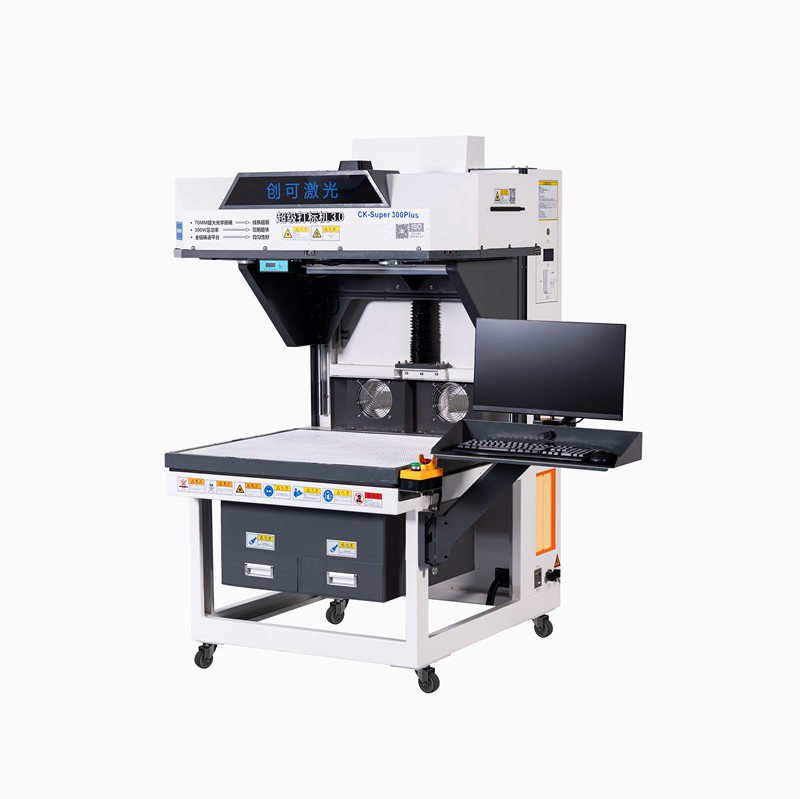
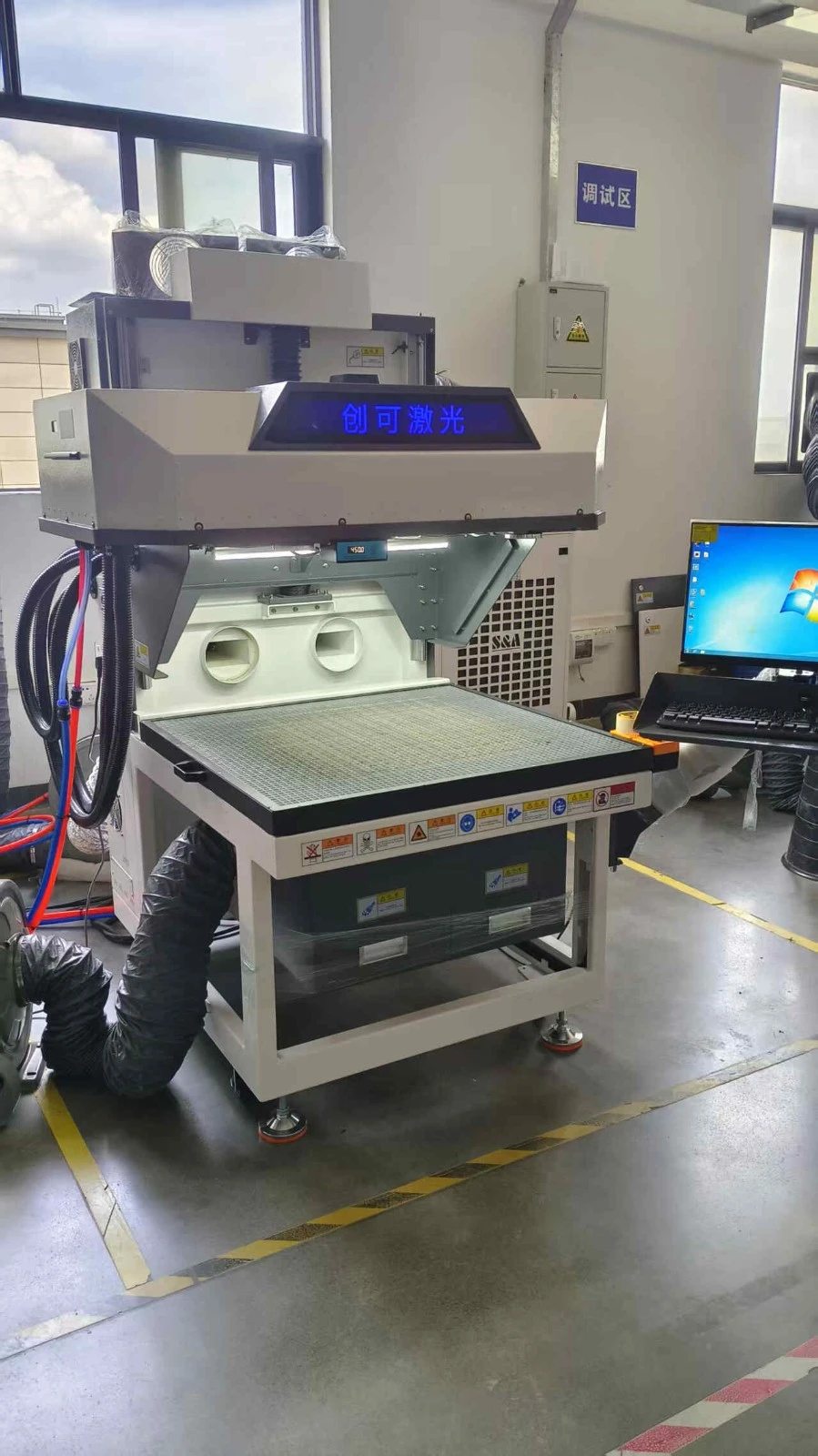
Hey there! As a supplier of galvanometer laser engravers, I often get asked if these nifty machines can be connected to a computer. Well, the short answer is yes, they absolutely can! In this blog, I'm going to break down how this connection works, why it's useful, and what you need to make it happen.
How Does the Connection Work?
Galvanometer laser engravers are pretty high - tech devices. They use a system of mirrors (galvanometers) to direct the laser beam precisely over the surface to be engraved. Connecting them to a computer allows you to control this process with a high degree of accuracy.
Most galvanometer laser engravers come with a USB or Ethernet port. These ports are the gateways for communication between the engraver and your computer. Once you plug in the appropriate cable, the engraver and the computer can start talking to each other.
On the computer side, you'll need to install special software. This software is like the translator between you and the engraver. It takes the design you create on your computer and converts it into instructions that the engraver can understand. For example, if you've designed a logo in a graphic design program, the software will tell the engraver where to move the laser beam, how long to fire it, and at what power level.
Why Connect to a Computer?
There are several reasons why connecting your galvanometer laser engraver to a computer is a great idea.
Precision and Flexibility: With a computer, you can create incredibly detailed and complex designs. You're not limited to simple shapes or patterns. You can import high - resolution images, adjust colors, and even add text. This gives you a lot of creative freedom and allows you to produce high - quality engravings.
Efficiency: Once you've set up your design on the computer, you can easily make changes and adjustments. You don't have to manually re - program the engraver every time you want to tweak something. This saves a lot of time, especially if you're working on a large project or multiple designs.
Automation: Computer - controlled engraving allows for a high degree of automation. You can set up the engraver to run multiple jobs in sequence, which is great for mass production. This not only increases productivity but also reduces the chance of human error.
What You Need for the Connection
To connect your galvanometer laser engraver to a computer, you'll need a few things:
Cable: As mentioned earlier, most engravers use a USB or Ethernet cable. Make sure you have the right type of cable for your engraver. Some older models might use a serial cable, but these are becoming less common.
Software: The software that comes with your engraver is crucial. It's usually provided by the manufacturer and is specifically designed to work with your model. Make sure you download and install the latest version to ensure compatibility and access to the latest features.
Computer Requirements: Your computer should meet the minimum requirements for the engraver software. This typically includes a certain amount of RAM, a compatible operating system (like Windows or macOS), and enough storage space to install the software and store your designs.
Real - World Applications
Galvanometer laser engravers connected to computers are used in a wide range of industries.
Jewelry Making: Jewelry makers can use computer - controlled engravers to add intricate designs to rings, necklaces, and bracelets. The precision of the laser allows for very detailed work, which is perfect for creating unique and personalized pieces.
Signage and Advertising: Companies can use these engravers to create high - quality signs and promotional materials. You can engrave logos, text, and graphics on various materials, such as wood, plastic, and metal.
Industrial Manufacturing: In the manufacturing industry, galvanometer laser engravers are used for marking products with serial numbers, barcodes, and other important information. This helps with product tracking and quality control.
Related Products
If you're interested in other types of engraving and cutting equipment, we also offer some great options. Check out our Machine vinyl cutter, which is perfect for cutting vinyl materials. It's a great addition to your workshop if you're into creating custom decals and stickers.
Another great product is our CKLASER CO2 Laser Machine Leather Engraving Punching Equipment. This machine is specifically designed for working with leather, allowing you to create beautiful engravings and punch holes with precision.
And if you're looking for the best in CO2 laser engraving technology, our Best CO2 laser engraver is a top - of - the - line option. It offers high - speed and high - precision engraving, making it suitable for a wide range of applications.
Let's Connect and Talk Business
If you're interested in purchasing a galvanometer laser engraver or any of our other products, I'd love to have a chat with you. Whether you're a small business owner looking to add some custom engraving services or a large manufacturer in need of high - volume production equipment, we can find the right solution for you.
Don't hesitate to reach out and start a conversation. We're here to help you take your engraving projects to the next level.
References
- Laser Engraving Technology: Principles and Applications.
- Galvanometer Laser Engraver User Manuals.