

Hey there! As a supplier of CO2 galvo laser marking machines, I've been getting a lot of questions lately about how different power settings affect the marking speed. So, I thought I'd dive into this topic and share some insights based on my experience in the industry.
First off, let's quickly go over what a CO2 galvo laser marking machine is. It's a type of laser machine that uses a CO2 laser beam to mark various materials. The "galvo" part refers to the galvanometer mirrors that control the movement of the laser beam, allowing for high - speed and precise marking.
Now, let's talk about power settings. In a CO2 galvo laser marking machine, the power can usually be adjusted within a certain range. Different power settings have a significant impact on the marking speed, and understanding this relationship is crucial for getting the most out of your machine.
Low Power Settings
When you set the laser to a low power, the energy of the laser beam is relatively weak. This means that the laser has to work harder and take more time to remove or change the surface of the material being marked. For example, if you're marking a piece of wood with a low - power setting, the laser might need to make multiple passes over the same area to create a visible and clear mark.
The advantage of using low power is that it causes less damage to the material. This is great for delicate materials like thin plastics or certain types of fabrics. However, the downside is that the marking speed is quite slow. You might find that for a large - scale marking project, using a low - power setting could take hours or even days to complete.
Let's say you're using our Best Laser Cutter For Paper for a paper - marking job. If you set the power too low, the laser will have a hard time cutting through the paper cleanly, and it will take a long time to finish each mark.

Medium Power Settings
Medium power settings are often a good compromise between speed and quality. At this power level, the laser has enough energy to make a clear mark on most materials in a reasonable amount of time. The laser can usually create a mark in one or a few passes, which significantly speeds up the marking process compared to low - power settings.
For example, when marking metal parts, a medium - power setting can create a deep and durable mark without overheating the metal or causing excessive damage. This makes it suitable for industrial applications where you need to mark a large number of parts quickly.
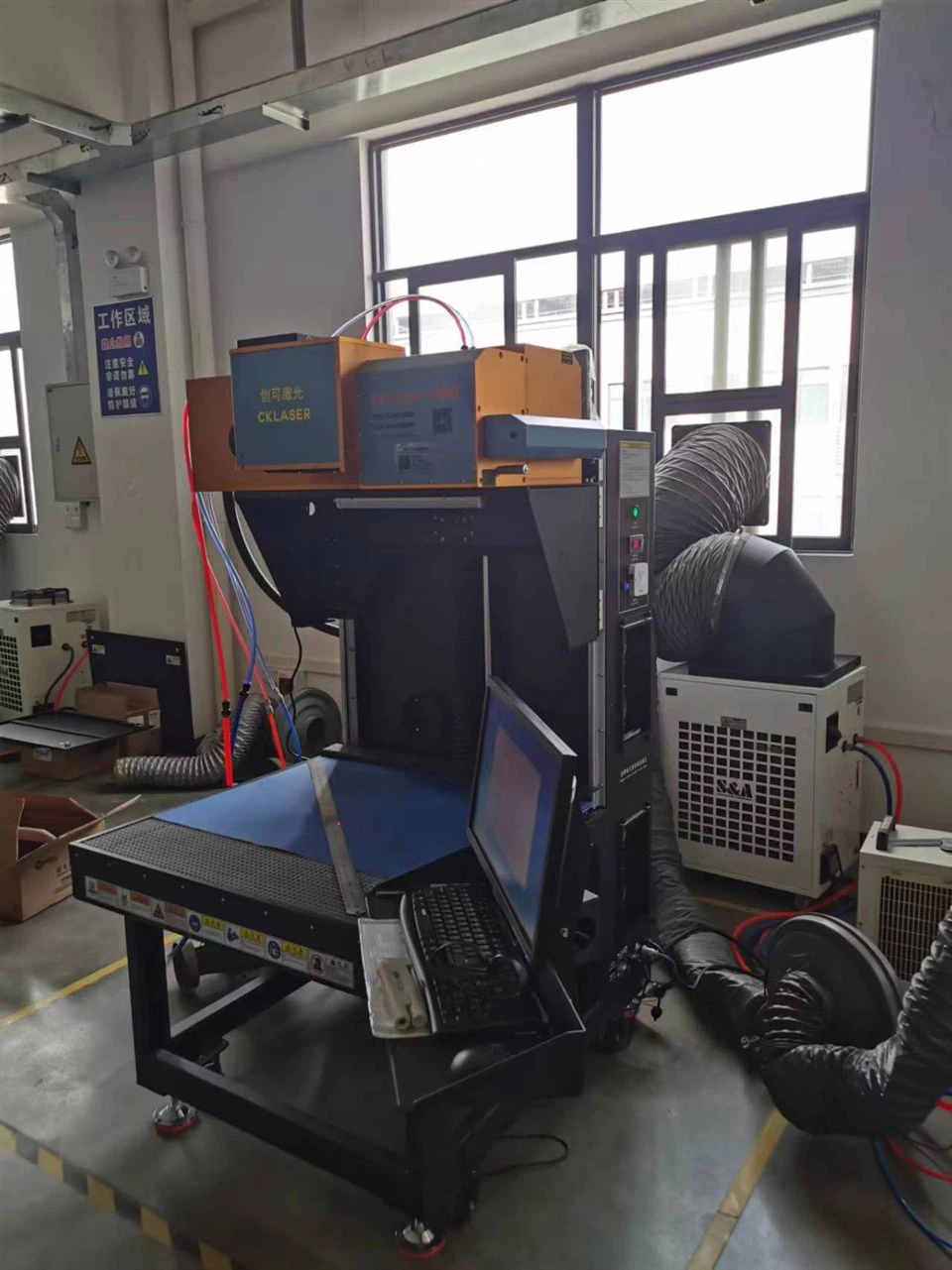
Our CKLASER Laser Marking Machine For Heat Transfer Vinly Engraving and Cutting works well with medium - power settings for vinyl engraving. It can cut through the vinyl efficiently while maintaining a high level of precision.
High Power Settings
High power settings offer the fastest marking speed. The strong laser beam can remove or change the material's surface in a single pass, which is ideal for large - scale production. However, using high power also has its drawbacks.
One of the main issues with high - power settings is that they can cause more damage to the material. For example, when marking plastics at high power, the plastic might melt or warp, resulting in a poor - quality mark. Also, high - power lasers consume more energy, which can increase your operating costs.
If you're using a CO2 Laser Die Cutter for cutting labels, high - power settings can cut through the material quickly, but you need to be careful not to overdo it and damage the labels.
Factors Affecting the Relationship
It's important to note that the relationship between power settings and marking speed isn't always straightforward. There are several factors that can influence this relationship.
- Material Type: Different materials have different properties, such as hardness, density, and heat resistance. For example, marking glass requires a different power and speed combination compared to marking leather.
- Marking Depth: If you need a deep mark, you might need to increase the power or make multiple passes, which will affect the marking speed.
- Marking Complexity: Intricate designs with a lot of details will take longer to mark, regardless of the power setting.
How to Choose the Right Power Setting
Choosing the right power setting depends on your specific needs. Here are some tips:
- For Delicate Materials: Use low - power settings to avoid damage. Test on a small sample first to find the optimal power for the best quality mark.
- For Large - Scale Production: Medium or high - power settings are usually better, but make sure to balance speed with quality. You might need to adjust the power based on the material and the complexity of the mark.
- For High - Quality Marks: Experiment with different power settings to find the sweet spot where you can get a clear and detailed mark in a reasonable amount of time.
In conclusion, understanding the marking speed influence of different power settings in a CO2 galvo laser marking machine is essential for getting the best results. Whether you're a small - business owner looking to mark your products or a large - scale manufacturer, choosing the right power setting can save you time, money, and improve the quality of your marks.
If you're interested in learning more about our CO2 galvo laser marking machines or have any questions about power settings and marking speed, feel free to reach out to us. We're here to help you make the most of your laser - marking experience and find the perfect solution for your business.
References
- "Laser Materials Processing" by John C. Ion
- Industry reports on CO2 laser marking technology